
What OCR Accuracy Actually Means for Your Bookkeeping
Understanding how OCR systems measure accuracy and why 95% recognition rates still matter for your workflow.
Different suppliers use different invoice layouts. We break down the common formats and explain how computer vision systems handle variations.

Author
Written by the InvoiceVision editorial team, focused on practical guidance for automating invoice processing.
Here's something bookkeepers deal with every single day: invoices come in all shapes and sizes. One vendor sends a clean PDF with fields in the right places. The next one uses a scanned image from 2015. Another vendor just emails a spreadsheet. It's chaos.
The good news? Modern computer vision systems can handle this. They've been trained on thousands of different invoice formats — from simple one-pagers to complex multi-page documents with embedded tables. But understanding HOW these systems work with format variations helps you get better results and troubleshoot problems when they occur.
Different invoice layouts affect how OCR reads data. A system trained on standard invoices might struggle with unconventional designs unless it's specifically built to handle variation.
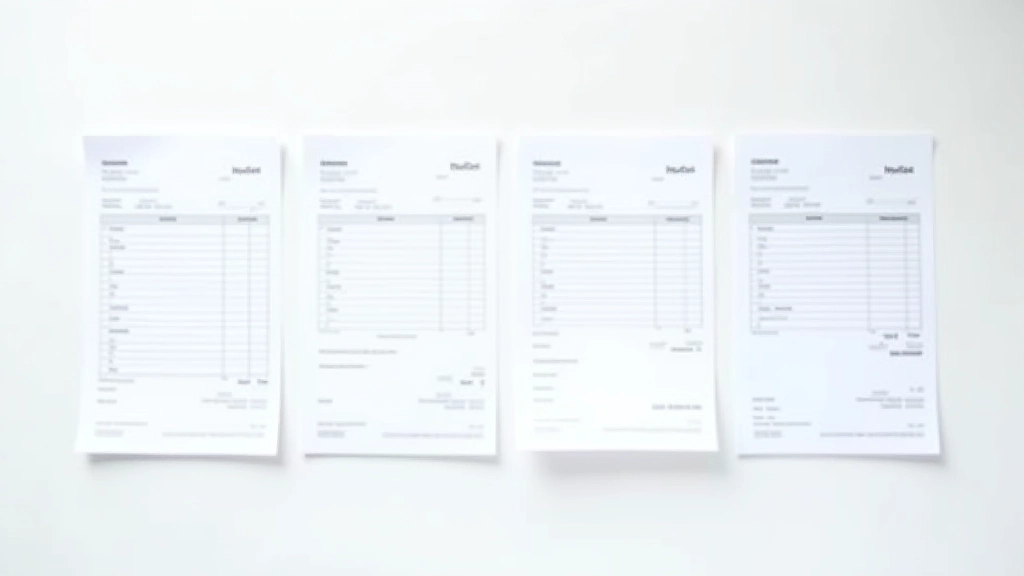
When we talk about invoice formats, we're really talking about four main categories. Most invoices you'll encounter fit into one of these buckets.
These follow a consistent template with fields in predictable locations. Header with company info, itemized table in the middle, total at the bottom. Most accounting software generates these, and they're the easiest for computer vision systems to parse.
Every vendor has their own branding. Fields shift around. Some put the invoice number in the top-right corner, others bottom-left. The system needs to be flexible enough to find data regardless of position.
Images of physical documents. These often have skew (not perfectly aligned), shadows, or poor lighting. OCR accuracy drops here unless the system includes preprocessing steps to straighten and enhance the image first.
The best case scenario. Text is embedded in the PDF as selectable characters, not images. Computer vision can extract data directly without guessing at what blurry pixels might mean.
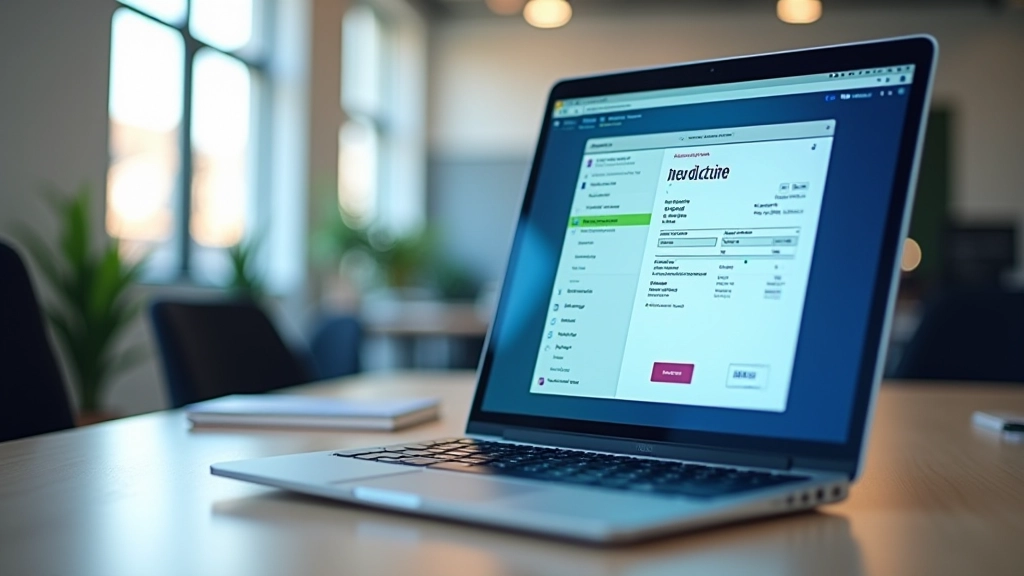
It's not that computer vision can't handle variation. It's that INCONSISTENCY makes things harder. When you're processing 50 invoices from the same vendor, they're all identical — easy. But when you're processing invoices from 50 different vendors, each one is a puzzle.
Where's the invoice number? Top-right? Bottom-left? In a table? The system needs to identify fields by context, not just location.
Is the total a bold number? In a box? In a table cell? Different visual treatments require different recognition strategies.
Not every invoice is in English. French invoices, Chinese characters, special symbols — these all add complexity to OCR recognition.
Scanned documents can be rotated, low-resolution, or have artifacts. You're not just reading text — you're interpreting noisy, imperfect data.
Smart computer vision platforms don't rely on fixed templates. Instead, they use a combination of techniques to adapt to whatever format comes their way.
Before attempting to read anything, the system cleans up the image. It rotates skewed documents, enhances contrast, and removes shadows or artifacts. This is especially important for scanned documents.
The system analyzes the overall structure. Where are the tables? The headers? The signatures? It doesn't assume a specific layout — it detects what's actually there.
Rather than looking for an invoice number in a specific spot, it looks for invoice-like data. Numbers in a particular format, keywords like "Invoice #" or "Facture", contextual clues. It's trained to recognize patterns, not positions.
The system learns from corrections. If you manually fix extracted data, the system uses that feedback to improve future results on similar formats.
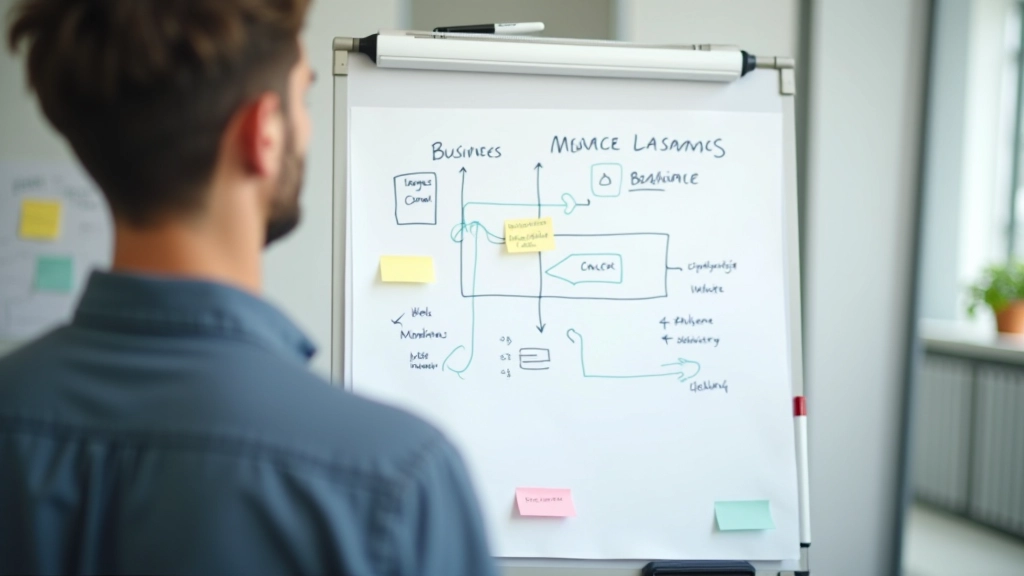
You don't need to be a computer vision expert to get good results. Here's what actually works.
If you're scanning invoices, use a decent scanner or a scanning app. Don't just photograph them with your phone camera. Straight, well-lit images produce better OCR results — sometimes 10-15% better accuracy.
When vendors give you a choice, take the PDF. Digital PDFs with embedded text are always more reliable than scanned images. The system can extract data directly without guessing.
Don't let mistakes pile up. If the system is consistently misreading a particular vendor's format, correct it early. Most systems learn from corrections and improve over time.
Better systems let you set field-specific rules. If a particular vendor always puts their invoice number in a specific format, you can tell the system to expect that pattern.
Keep samples of invoices from each vendor. Tag them by vendor and format type. This becomes your reference library and helps the system learn vendor-specific patterns.
Track which formats give you the most trouble. If vendor X's invoices always have lower accuracy, investigate why. Is the format unusual? Is the image quality poor? This data guides improvement efforts.
Let's walk through what actually happens when you process three invoices from three different suppliers. All contain the same information — vendor name, invoice number, date, line items, total. But they're formatted completely differently.
Uses accounting software to generate invoices. Every invoice is identical. Header with company logo, invoice details in a table, items listed with descriptions and amounts. OCR accuracy: 97-98%. The system recognizes the layout immediately.
Marketing agency with custom branding. Invoice number is in a colored box on the right side. Date is embedded in body text rather than in a dedicated field. Line items are in a paragraph format, not a table. OCR accuracy: 91-94%. The system needs to work harder to find the data, but context clues help.
Prints invoices, mails them, you scan them in. The scan is slightly rotated, has shadows from the fold. Some text is slightly blurry. OCR accuracy: 85-89%. The preprocessing step becomes critical here — rotating the image and enhancing contrast makes a real difference.
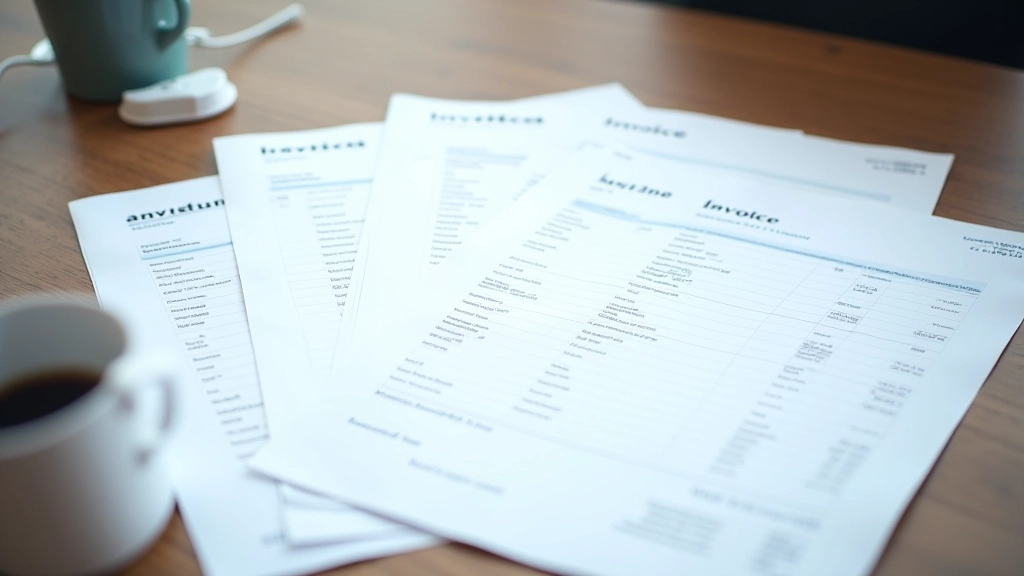
Format variations aren't a problem to avoid — they're a reality to manage. The better your system handles them, the less time you spend manually correcting data.
The reality is this: you'll never have perfect consistency in your invoice formats. Different vendors use different systems. Some send PDFs, some send images. Some follow standards, some do their own thing. That's not changing.
What's changed is that computer vision systems can now handle this variation automatically. They don't require template setup for every new vendor. They adapt. They learn. They improve over time.
The key is understanding that format variations aren't a flaw in the system — they're a feature that well-built OCR platforms are designed to handle. When you're evaluating tools for invoice processing, this adaptability should be one of your main evaluation criteria. Ask about how the system handles variations, what preprocessing it includes, and whether it learns from corrections.
Start with your most common formats. Get those working smoothly. Then gradually expand to handle more unusual formats. You'll find that over time, the system becomes more accurate and requires less manual intervention, regardless of what format an invoice comes in.
This article is for informational purposes only and does not constitute professional advice. Computer vision systems and OCR accuracy vary based on multiple factors including image quality, document format, language, and system configuration. Results may differ from the examples provided. Always test any document processing system with your actual invoices before deploying it in production. For specific technical guidance or accounting-related questions, consult with a qualified professional.
Understanding how OCR systems measure accuracy and why 95% recognition rates still matter for your workflow.

Step-by-step walkthrough of integrating OCR software into your existing accounting workflow.

Local accounting firms share why they've adopted computer vision tools and what impact it's had on their operations.