
What OCR Accuracy Actually Means for Your Bookkeeping
Understanding how OCR systems measure accuracy and why 95% recognition rates still need human verification.
Local accounting firms share why they've adopted computer vision tools. Cost savings, time reduction, and fewer data entry mistakes — real stories from the field.

By InvoiceVision Editorial Team
Editorial Team
It's 3 PM on a Friday. Sarah's been entering invoice data for the past two hours. Somewhere between vendor payments, GST codes, and account assignments, a number gets transposed. Nobody catches it until reconciliation day — two weeks later. This scenario plays out thousands of times across Montreal's accounting firms every single week.
Manual data entry isn't just slow. It's expensive. It's error-prone. And it's become the bottleneck keeping bookkeepers from higher-value work. That's why you're seeing a shift. Not towards hiring more junior staff, but towards AI-powered parsing systems that handle the heavy lifting.
Three years ago, optical character recognition (OCR) was clunky. It struggled with handwritten notes, varied invoice formats, and poor scans. You'd get 70-80% accuracy if you were lucky, which meant someone still needed to review and correct almost everything.
Today's computer vision systems don't just read text. They understand context. They recognize that the line item at the bottom is a shipping charge, not a product cost. They extract vendor information from different positions on different invoice layouts. Most importantly, they're getting accuracy rates above 95% on structured data — which means less human review time.
One Montreal firm told us they went from 15 minutes per invoice to 2 minutes per invoice. Not because they hired faster data-entry people. Because the system handled the extraction, leaving humans to verify and categorize.
Let's be concrete. A bookkeeper billing at $60/hour spends 15 minutes manually entering one invoice. That's $15 in labor per document. If your firm processes 200 invoices per month, you're looking at $3,000 in monthly labor just on data entry.
AI parsing cuts that time down. With a modern system, you're paying maybe $2-3 per invoice in software costs, but the bookkeeper's involvement drops to a 2-minute verification check. Suddenly that $3,000 becomes $600-800 in combined labor and software costs. And that's before you factor in fewer errors, faster payment processing, and the ability to reassign freed-up time to client advisory work.
Don't get us wrong — it's not magic. The technology still makes mistakes. But they're different mistakes now. It'll misread a handwritten note or misclassify an ambiguous charge. That's way easier to catch than hunting through 200 manually-typed numbers for transposition errors.
The shift isn't about replacing bookkeepers. It's about letting them do bookkeeping instead of data entry. The firms we've talked to aren't laying people off. They're handling more clients with the same team, or moving people into analysis and advisory roles where they add real value.
Montreal's accounting ecosystem has some unique pressures. You've got firms managing bilingual clients. Invoices come in from suppliers across North America. GST, QST, PST requirements vary. Currency conversions happen constantly. All of that complexity used to mean more manual review time.
Computer vision systems trained on diverse invoice formats handle this better than older OCR. They can work with English and French documents. They recognize different tax codes. They're built for the kind of complexity that Montreal firms deal with daily.
Plus, talent is expensive in Montreal. Recruiting and retaining junior bookkeepers is getting harder. That economics calculation — whether to hire another person or invest in better tools — increasingly favors the tools.


Here's what firms tell us: the technology is ready. Your workflow integration? That's the real project. You've got to map which AI output fields go where in your accounting system. You need to set up exception handling for invoices the system isn't confident about. You've got to train your team on how to use the new tool, which involves some unlearning of old habits.
Most firms spend 3-6 weeks on implementation. Not because the software is complicated, but because you're changing how work flows through your office. The firms that do this well treat it like a process redesign project, not just a software install.
They also don't try to go 100% automated overnight. They run the new system alongside their old process for a month. They compare results. They refine rules. By the time they flip the switch, they've already caught the edge cases.
If you're still manually entering invoice data, you're leaving money on the table. Not just in software licensing costs, but in the time your skilled staff is spending on work a machine could do better and faster.
The technology isn't theoretical anymore. It's working in accounting offices across Montreal right now. The question isn't whether AI-powered parsing is ready. It's whether you're ready to integrate it into your workflow.
Start small if you need to. Pick one invoice type or one client's documents and test the system. See what accuracy you get. See how much time you actually save. Then decide whether it makes sense to expand. But don't let perfect be the enemy of good. The firms getting ahead aren't waiting for the technology to be flawless — they're implementing it now and refining as they go.
This article is informational and educational in nature. The information presented is based on industry observations and general practices. Implementation results vary depending on your specific accounting workflows, invoice types, software systems, and team expertise. We recommend consulting with your accounting software provider and conducting your own testing before implementing any new systems. AI parsing technology continues to evolve, and accuracy rates depend on invoice quality, format consistency, and system configuration.
Understanding how OCR systems measure accuracy and why 95% recognition rates still need human verification.
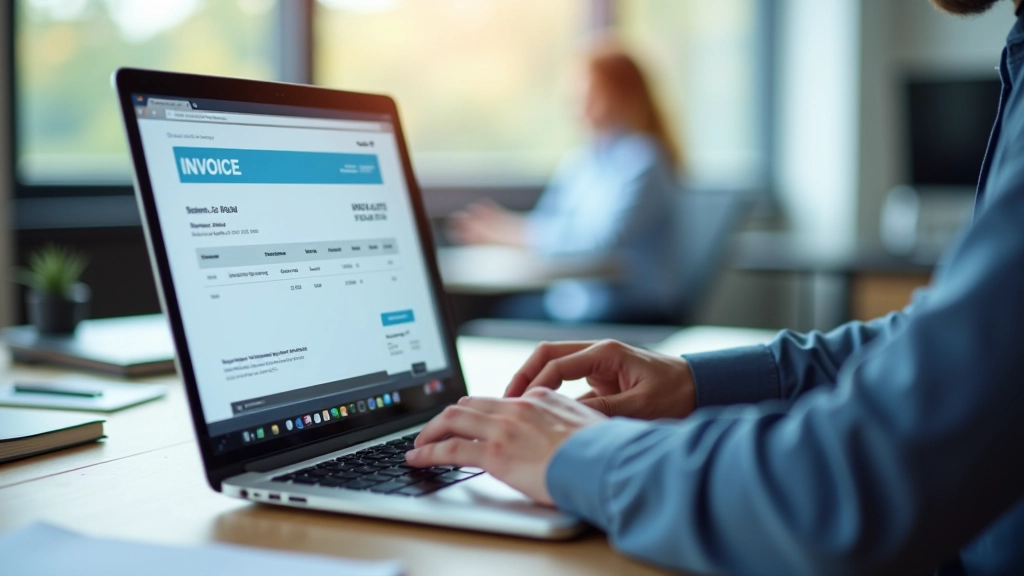
Step-by-step walkthrough of integrating OCR software into your existing accounting workflows.
Different suppliers use different invoice layouts. We break down the common formats and extraction challenges.